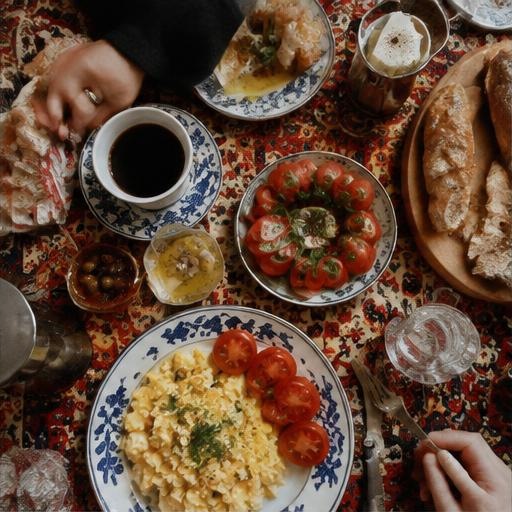

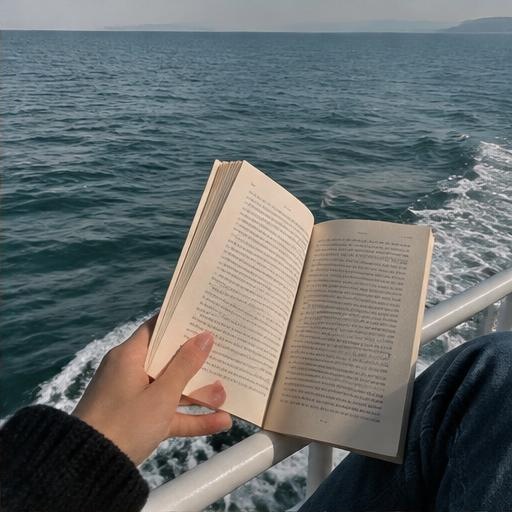
Your pictures, styled together
Boards start clean. Add your own pictures, uploads, or saved from the web with the Chrome extension, and the style’s palette and grade pull them into one look.
 THE AI VISION BOARD STUDIO
Turn your ideas into a board you’ll actually look at.
Talk to Merge, pick one style, and bring your own pictures, upload them, or save them from Pinterest and anywhere on the web with the Merge Studio Chrome extension. Everything lands on one infinite canvas, styled into a single visual identity: images, stickers, quotes and type that all agree with each other.

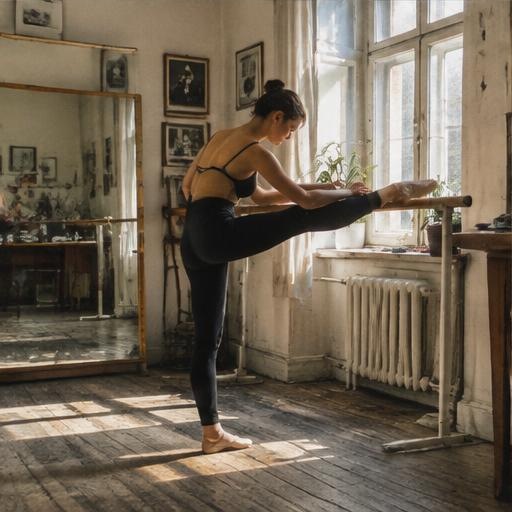


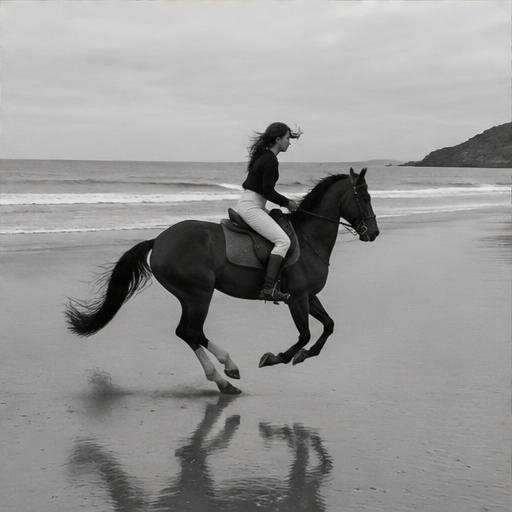 bad days are part
When you lock a style, Merge locks a whole profile, palette, type pairing, image grade, sticker set, quote tone, and applies it to every element that touches your board. Even your own uploads.
Boards start clean. Add your own pictures, uploads, or saved from the web with the Chrome extension, and the style’s palette and grade pull them into one look.
Stickers that inherit your style’s palette and line weight. Coquette gets bows and pearls; Dark Academia gets ink and candlelight; Y2K gets chrome.
Affirmations grouped by theme, career, love, growth, discipline, rest, set automatically in your board’s typography.
Tell the studio what the board is for, the feeling, the year, the intention.
Choose one named aesthetic, Clean Girl to Mob Wife. Its colours, type, stickers and words come with it.
Your styled board lands on the canvas. Add your pictures, switch layouts, layer, annotate, then export.
See something that belongs on your board, on Pinterest, a magazine site, a shop? Right-click it, choose a folder, and it waits for you in Merge Studio. One picture at a time, only when you choose it.
On any picture on the web, choose Add to Merge Studio.
Create folders like “Kitchen” or “Wedding”, and name them yourself.
Open a board → Pictures → saved. Choose the folder, click the picture.
Free for your first 3 days, then part of Merge Studio. Pictures stay in your own browser until you add them to a board, and belong to their creators, use them for personal inspiration.
Everything free for your first 3 days. No card needed.
€0
to start, no card needed
€5.99 / month
flexible, cancel anytime
€49 / year
just €4.08 a month
Cancel anytime · Prices include VAT · Secure payment by Stripe